

One organized workspace.
Manage clients, projects, tasks, time, and invoices in one organized workspace.
How it works
Your work stays connected.
A client becomes a project, projects become tasks, tasks get scheduled, time gets tracked, and tracked work becomes an invoice.
- Client
- Project
- Task
- Calendar
- Time
- Invoice
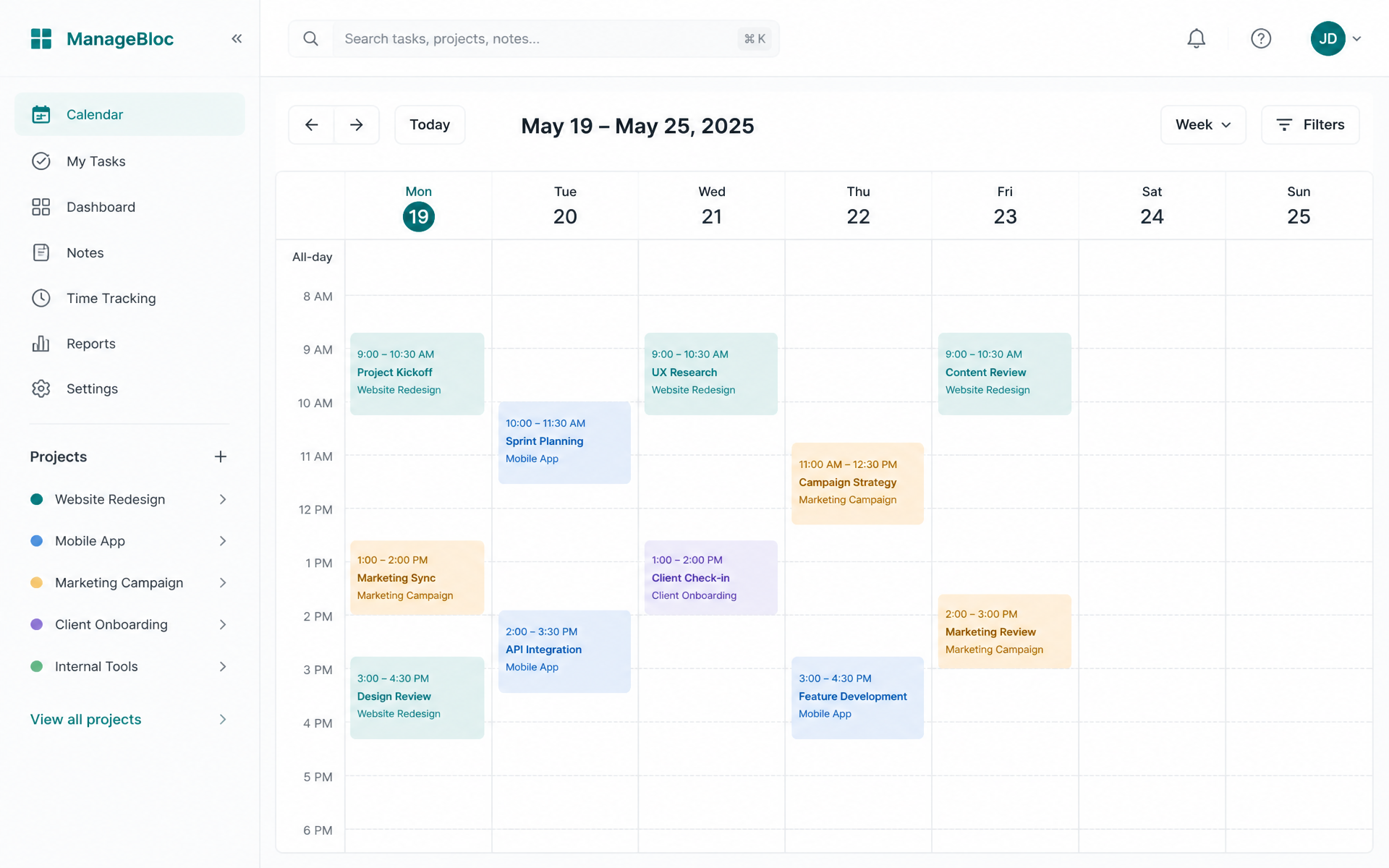
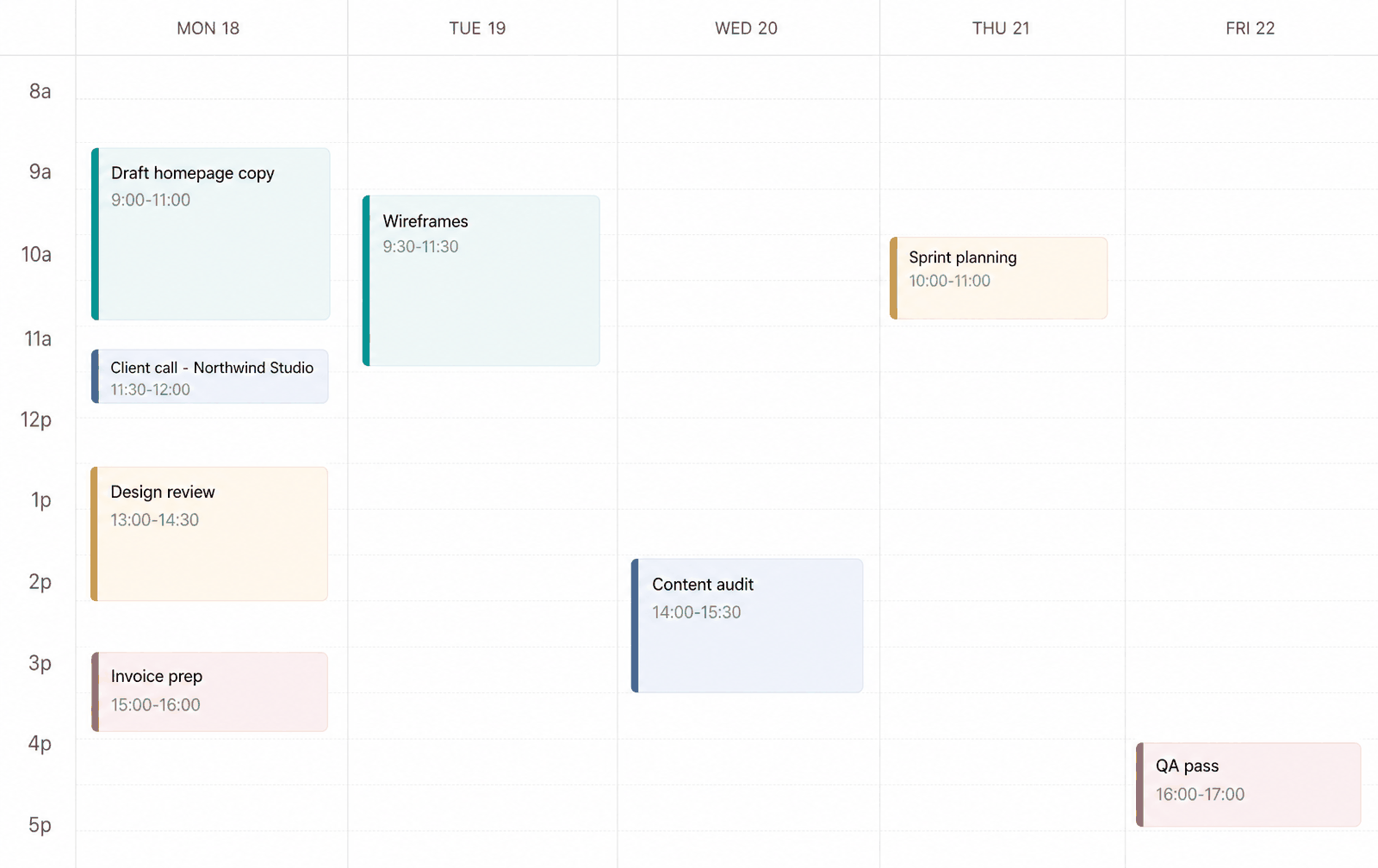
Calendar
Plan your work where you can see it.
Drag tasks straight onto your week to block out the time they need. Every scheduled block stays tied to its project and task, so starting the timer is the only step left.
- See the whole week at a glance
- Schedule tasks by dragging them onto a day
- Turn planned time into tracked time
Projects + Tasks
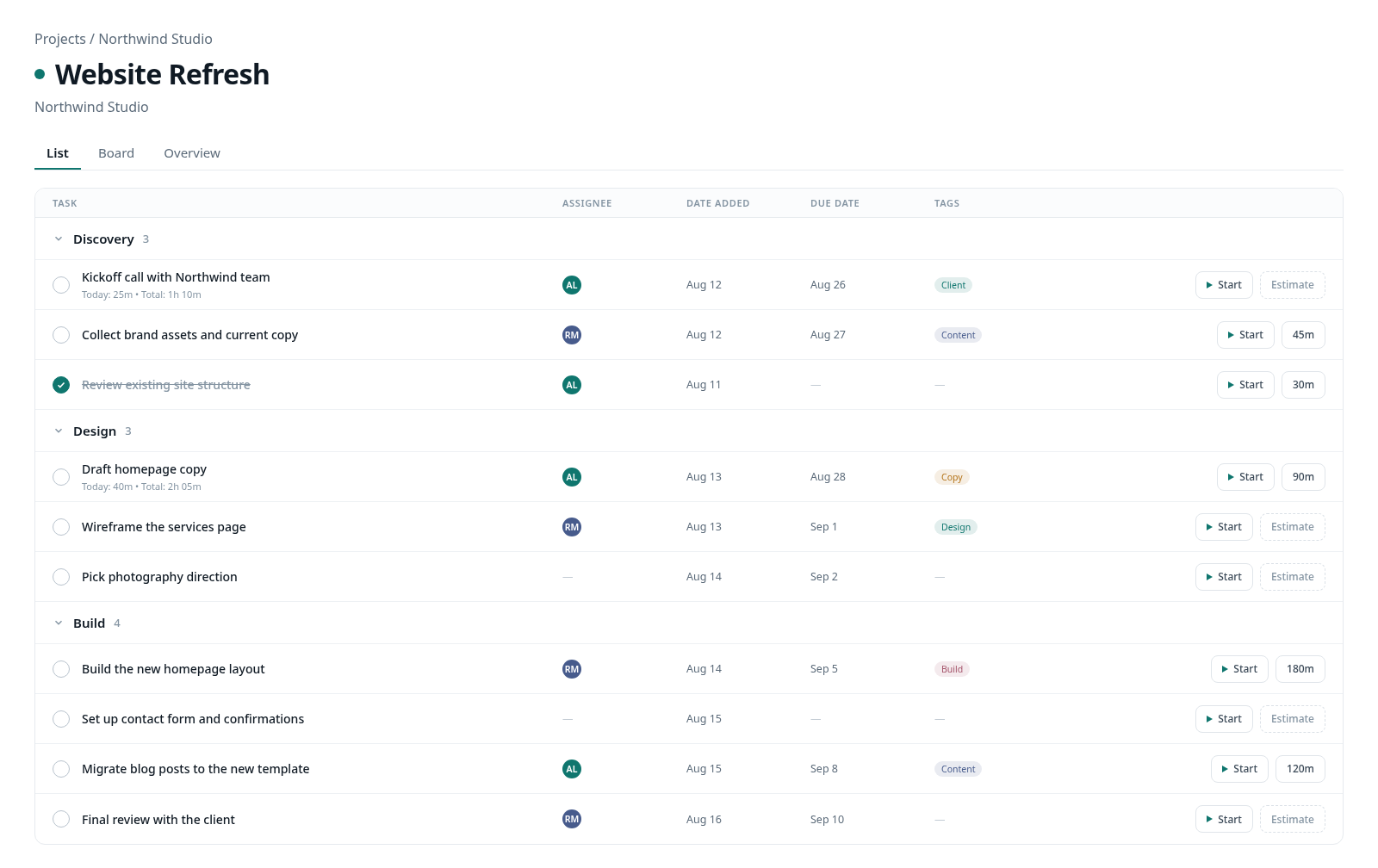
Turn work into a clear plan.
Keep client work organized in projects, then break it into clear tasks that stay connected as the work moves into your calendar.
- Projects keep client work together
- Tasks keep the work organized
- Move work into the calendar when ready
Get organized in one workspace.
Clients, projects, tasks, calendar, time and invoices — connected from the first day.
Get started